


About Brisk Teaching
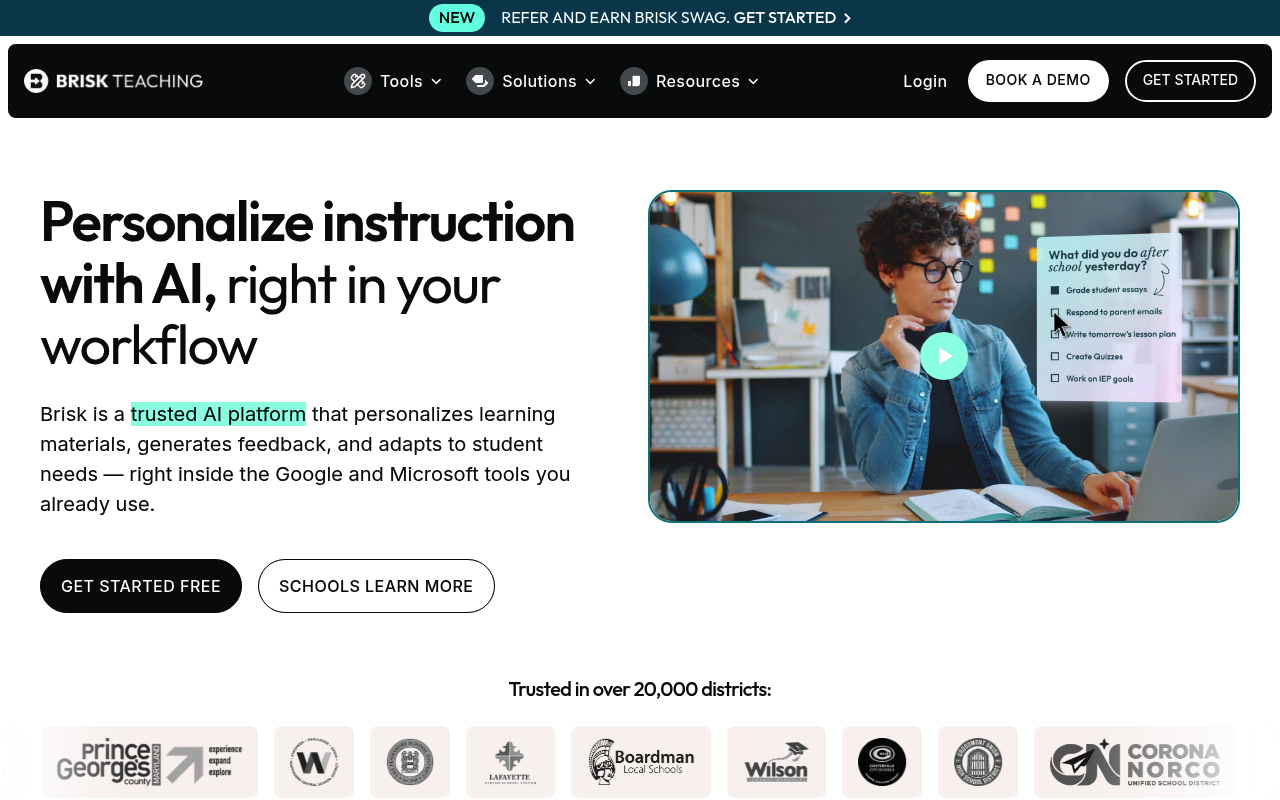
Brisk Teaching is a comprehensive AI assistant designed specifically for educators, offering a powerful Chrome extension that integrates seamlessly with Google Workspace tools. The platform enables teachers to create personalized lesson plans, generate quizzes and assessments, build rubrics, and provide targeted student feedback in over 50 languages. With features like DOK questions, presentation makers, and specialized tools for IEPs and 504 plans, Brisk streamlines administrative tasks while enhancing instructional quality. The tool stands out with its Brisk Boost feature, which creates interactive AI-powered learning experiences for students, and Brisk Next hub that provides smart content recommendations and bundling capabilities. Teachers can access over 35 specialized tools in the premium version, including advanced language models, unlimited usage, and detailed student learning insights. The platform prioritizes data privacy and offers both individual teacher accounts and district-wide administrative dashboards for educational institutions.
Best For
Pros & Cons
Pros
- Completely free core version with 20+ teaching tools
- Seamless Google Workspace integration saves time
- Supports 50+ languages for diverse classrooms
- Specialized tools for special education (IEP, 504 plans)
- Student-facing AI activities with Brisk Boost
- Academic standards alignment built into all tools
Cons
- Limited to Chrome and Edge browsers only
- Premium pricing not transparent (contact sales)
- Heavy reliance on Google ecosystem
Pricing Plans
- 20+ core tools
- Chrome extension
- Basic language models
- Standard support
- 35+ advanced tools
- Turbo LLM models
- No usage limits
- Advanced student insights
Prices as of Sep 2026. Check official site for current pricing.
What People Say
Brisk Teaching has a writing inspection tool I use constantly. It will show how many edits, how many pastes, and how long a doc was open for
Anyone else using Brisk Teaching? It's so useful for changing reading levels and writing relevant comprehension questions. Only AI tool I've
Brisk Teaching is much easier to use. They have a feature that ties into Google Docs Version history, which records every single key stroke
My favourite would definitley be Brisk Teaching. I think it offers alot more than many of the other tools. It is a chrome extension but easy
Brisk Teaching will do this. I've used it for videos, as well. Just look through to make sure it's correct before you use it!
FAQ
What is Brisk Teaching?
Transform your teaching with Brisk's AI-powered Chrome extension. Create lesson plans, quizzes, rubrics, and provide instant feedback in 50+ languages with seamless Google Workspace integration.
How much does Brisk Teaching cost?
Free • Free (Premium)
Is Brisk Teaching good for beginners?
It depends on your experience level. Check the features to see if it fits your needs.