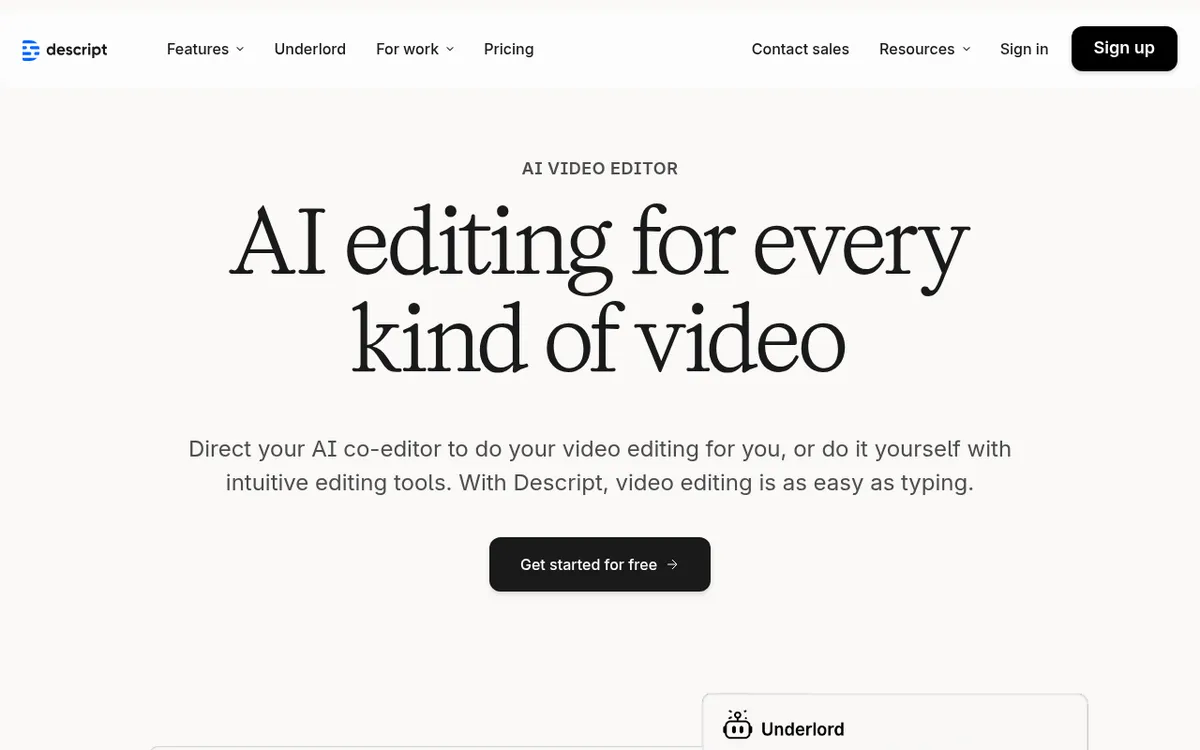
Descript Review 2025: Revolutionary Text-Based Video & Audio Editor
Video and audio editing has traditionally been a complex, time-consuming process that requires specialized skills and expensive software. But what if you could edit your content as easily as editing a Word document? That's exactly what Descript promises—and delivers.
Descript is an AI-powered audio and video editing platform that has fundamentally transformed how creators approach content production. By converting media into editable text transcripts, it allows users to edit videos and podcasts by simply cutting, copying, and pasting words—making professional-quality editing accessible to everyone, regardless of technical expertise.
In 2025, as content creation continues to dominate digital marketing and entertainment, tools like Descript have become essential for podcasters, YouTubers, marketers, and educators who need to produce high-quality content efficiently. With advanced AI features, voice cloning capabilities, and collaborative tools, Descript represents the future of media editing.
What is Descript?
Descript is a cloud-based, AI-powered media editing platform that revolutionizes traditional audio and video editing workflows. Instead of working with complex timelines and waveforms, users edit their content by modifying automatically generated text transcripts. When you delete a word from the transcript, that word disappears from the audio or video—it's that simple.
Founded by Andrew Mason (co-founder of Groupon) in 2017, Descript was created to solve a fundamental problem: making media editing as intuitive as text editing. The platform combines transcription, editing, recording, and publishing tools into one comprehensive workspace, eliminating the need for multiple applications and complicated workflows.
The core innovation lies in Descript's ability to treat audio and video as text documents. This approach not only makes editing more intuitive but also enables powerful AI features like voice cloning (Overdub), filler word removal, and automatic scene detection. The platform supports 23 languages and offers real-time collaboration, making it ideal for teams and individual creators alike.
Key Features
| Feature | Description | Benefit |
|---|
| Text-Based Editing | Edit audio/video by modifying transcripts | Intuitive editing without timeline complexity |
| AI Transcription | Automatic transcription in 23 languages | Fast, accurate text generation for editing |
| Overdub (Voice Cloning) | Create synthetic versions of your voice | Fix mistakes without re-recording |
| Filler Word Removal | Automatically detect and remove "ums" and "ahs" | Clean, professional-sounding content |
| Studio Sound | AI-powered audio enhancement | Professional audio quality from any recording |
| Eye Contact Correction | Adjust gaze direction in videos | Natural-looking presentations and interviews |
| Green Screen | AI-powered background removal | Professional video effects without special equipment |
| Collaboration Tools | Real-time editing and commenting | Seamless team workflows |
How Descript Works
Getting started with Descript is remarkably straightforward:
- Upload Your Media: Import audio or video files, or record directly within the platform
- Automatic Transcription: Descript's AI generates an accurate text transcript of your content
- Edit the Text: Cut, copy, paste, and rearrange words in the transcript as you would in a document
- Watch Changes Sync: Your edits automatically apply to the corresponding audio/video
- Enhance with AI: Use features like filler word removal, Studio Sound, or eye contact correction
- Add Visual Elements: Insert images, captions, transitions, and music as needed
- Collaborate: Share projects with team members for real-time editing and feedback
- Export and Publish: Choose your output format and resolution, then export or publish directly
Pricing & Plans
| Plan | Price | Key Features | Best For |
|---|
| Free | $0/month | 1 media hour/month, 100 AI credits, 720p export | Trying the platform, light usage |
| Hobbyist | $16/month (annual) | 10 media hours/month, unlimited AI credits, 1080p export | Individual creators, hobbyists |
| Creator | $32/month (annual) | 30 media hours/month, priority support, advanced AI features | Professional creators, small teams |
| Pro | $50/month (annual) | Unlimited hours, premium features, API access | Large teams, enterprises |
: Descript's pricing is competitive compared to traditional video editing software subscriptions. The free tier provides genuine value for testing the platform, while the paid plans offer excellent value for the time saved through AI-powered features. Educational and non-profit discounts are available, making it accessible to students and charitable organizations.
Pros and Cons
✅ Pros
- Intuitive text-based editing makes video/audio editing accessible to beginners
- Powerful AI features like voice cloning and filler word removal save significant time
- All-in-one platform eliminates need for multiple editing tools
- Excellent collaboration features for team workflows
- Regular updates with new AI capabilities and improvements
- Strong transcription accuracy across multiple languages
- Fair pricing with genuine free tier
❌ Cons
- Learning curve for users accustomed to traditional editing workflows
- Performance can be slow with large files or complex projects
- Desktop app requirement for full functionality
- Limited advanced video effects compared to specialized video editors
- AI credits system can be confusing for new users
- Transcription accuracy varies with accents and audio quality
Who Should Use Descript?
Podcasters will find Descript invaluable for editing episodes, removing filler words, and creating audiograms for social media promotion. The platform's ability to edit by text makes it perfect for long-form content.
YouTubers and Content Creators benefit from the streamlined workflow, especially for talking-head videos, interviews, and educational content. Features like eye contact correction and green screen effects add professional polish.
Marketers and Social Media Managers can quickly create video content, generate captions, and repurpose long-form content into bite-sized clips for different platforms.
Educators and Trainers appreciate the ability to easily edit lecture recordings, create course materials, and generate accurate transcripts for accessibility.
Remote Teams leverage the collaboration features for creating internal communications, training materials, and marketing content together.
Descript vs Alternatives
| Feature | Descript | Adobe Audition | Hindenburg Pro |
|---|
| Text-based editing | ✅ Yes | ❌ No | ❌ No |
| AI transcription | ✅ Built-in | ❌ No | ❌ No |
| Voice cloning | ✅ Yes (Overdub) | ❌ No | ❌ No |
| Learning curve | 🟡 Moderate | 🔴 Steep | 🟡 Moderate |
| Pricing | 🟢 $16-50/month | 🔴 $23/month | 🔴 $399 one-time |
| Collaboration | ✅ Excellent | 🟡 Limited | ❌ No |
: While professional tools like Adobe Premiere Pro offer more advanced effects, Descript excels in workflow efficiency and ease of use for content creators who prioritize speed over complex visual effects.
Tips for Getting Started
- Start with the free plan to familiarize yourself with text-based editing before upgrading
- Use high-quality audio for better transcription accuracy—clean recordings save editing time later
- Learn keyboard shortcuts early to speed up your workflow significantly
- Experiment with AI features like filler word removal and Studio Sound to understand their impact
- Create templates for recurring content types like podcast episodes or social media videos
- Utilize the collaboration features even for solo projects—commenting helps track your editing decisions
- Take advantage of the extensive help resources including tutorials, webinars, and community forums
Final Verdict
Rating: 4.3/5 ⭐⭐⭐⭐
Descript represents a paradigm shift in media editing that makes professional-quality content creation accessible to everyone. While it may not replace specialized tools for complex video production, it excels as an all-in-one solution for content creators who value efficiency and ease of use.
The platform's AI-powered features, particularly voice cloning and automatic transcription, provide genuine time savings that justify the subscription cost. The text-based editing approach, while initially unfamiliar, quickly becomes addictive once you experience its efficiency.
Recommendation: Descript is highly recommended for podcasters, YouTubers, marketers, and educators who regularly create content and want to streamline their workflow. The free tier provides an excellent opportunity to test the platform's capabilities before committing to a paid plan.
Ready to revolutionize your editing workflow? Start your free trial with Descript today and discover how text-based editing can transform your content creation process. With one hour of free media processing monthly, you can experience the future of editing without any commitment.