


About SaneBox
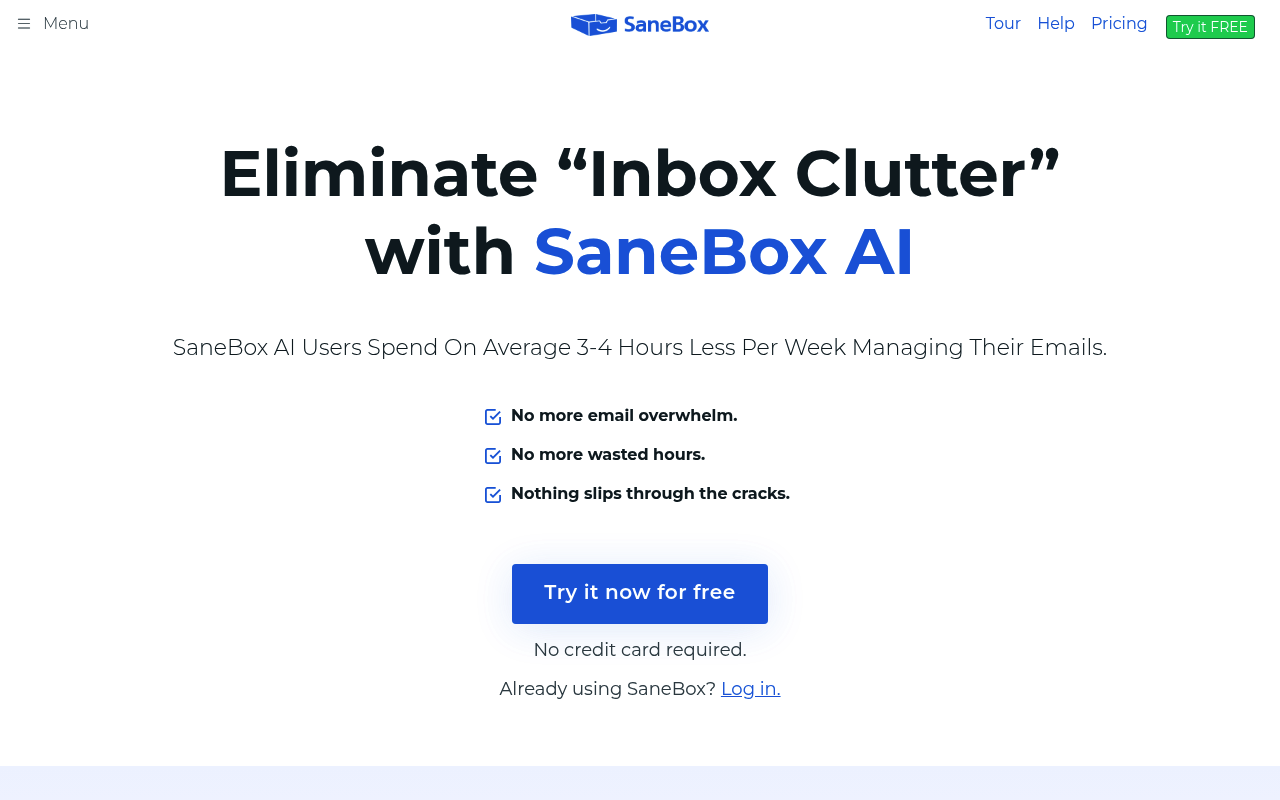
SaneBox is an intelligent email management tool that uses AI to automatically sort and prioritize your inbox, helping busy professionals save 2-3 hours every week. The system learns from your email habits and preferences to filter important messages from distractions, creating a personalized email experience that adapts to your workflow. Compatible with Gmail, Outlook, Apple Mail, and most major email providers, SaneBox works seamlessly with your existing email client without requiring you to change your workflow. Key features include SaneLater for delayed processing, SaneBlackHole for permanently blocking unwanted senders, SaneReminders for email snoozing, and SaneNoReplies for tracking unanswered emails. The tool requires no complex setup and operates as a set-it-and-forget-it solution that continuously improves its filtering accuracy over time. Ideal for executives, entrepreneurs, and busy professionals who struggle with email overload, SaneBox offers enterprise-grade security with two-factor authentication while maintaining simplicity for individual users. The AI-powered system creates smart folders within your existing inbox structure, making email management effortless and stress-free.
Best For
Pros & Cons
Pros
- Works with existing email clients without workflow disruption
- AI learns and adapts to personal email habits over time
- Saves 2-3 hours weekly through intelligent filtering
- 14-day free trial with full feature access
- Compatible with all major email providers including Gmail and Outlook
- Two-factor authentication for enterprise-grade security
Cons
- No free plan available after trial period
- Requires 2-3 weeks of training for optimal performance
- Monthly billing costs significantly more than annual plans
Pricing Plans
- 1 email account
- 2 core features
- Smart filtering
- Daily digest
- 2 email accounts
- 6 SaneBox features
- SaneLater
- SaneReminders
- 4 email accounts
- All features
- SaneBlackHole
- SaneAttachments
Prices as of Sep 2026. Check official site for current pricing.
What People Say
I've used SaneBox with Fastmail for years. It is a lifesaver! Worth every single cent. It is not intrusive at all.
Yeah I've used it for several years with O365 and on-prem Exchange. I really find it useful for the added smarts on top of simple folder routing
SaneBox → Had to change my whole workflow and check their folders constantly.
For me, SaneBox saves me about 2 hours every week, and my time is worth way more than the monthly subscription fee.
After six months of using SaneBox: it doesn't fix every email problem, but it does reclaim time and reduce distraction in a way manual filters rarely do.
FAQ
What is SaneBox?
Automatically sort and prioritize your emails with AI-powered filtering that learns your habits and saves 2-3 hours weekly by keeping important messages in focus.
How much does SaneBox cost?
$7 Snack • $12 Lunch • $36 Dinner
Is SaneBox good for beginners?
It depends on your experience level. Check the features to see if it fits your needs.