

About Twistly
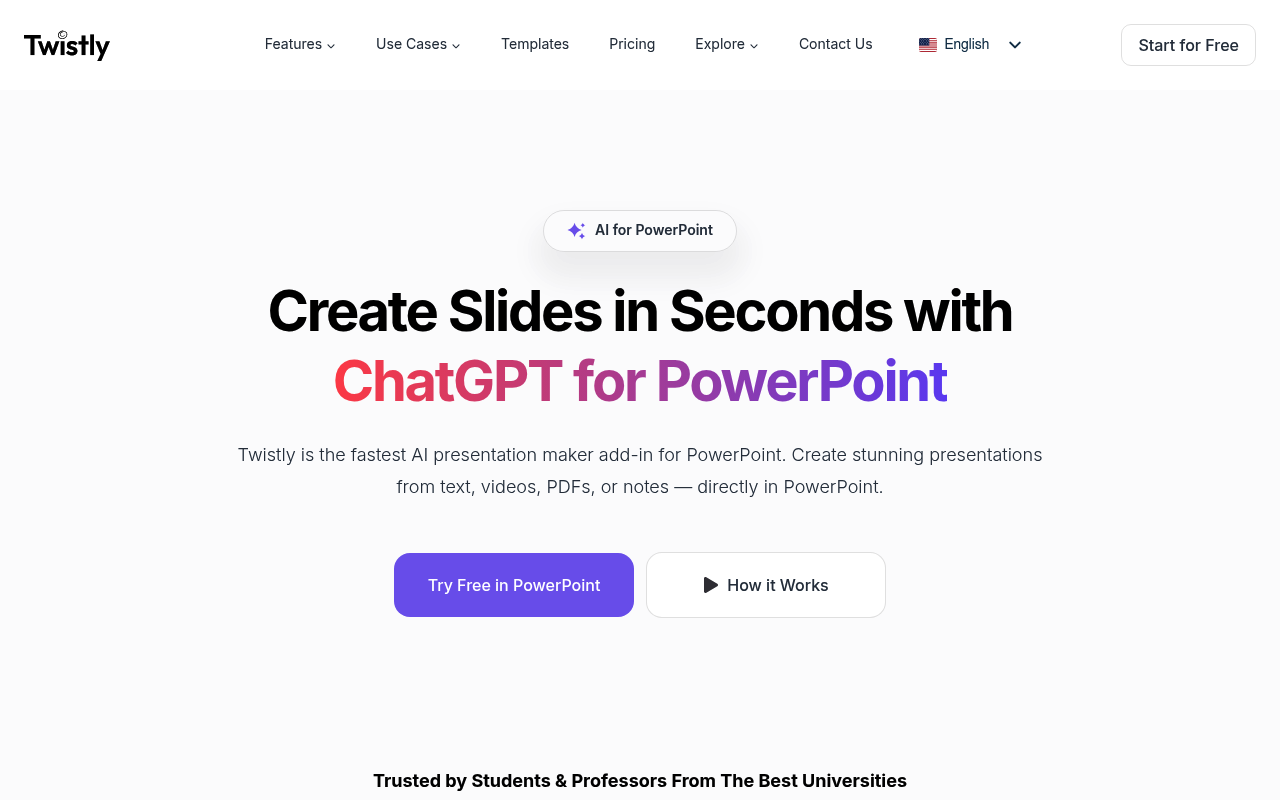
Twistly is an advanced AI-powered presentation maker that works directly inside Microsoft PowerPoint as a native add-in. Unlike browser-based tools, Twistly eliminates the need to switch between applications by generating professional slides right within PowerPoint. The tool can convert various content types including text, PDFs, Word documents, and even YouTube videos into structured presentations with automatic visual enhancements, speaker notes, and AI-generated images. Designed for students, educators, and business professionals, Twistly leverages ChatGPT technology to create compelling presentations in under 30 seconds. Its unique PowerPoint integration ensures seamless workflow without file exports or compatibility issues, making it ideal for users who need to create presentations quickly while maintaining professional quality and design consistency.
Best For
Pros & Cons
Pros
- Native PowerPoint integration eliminates workflow disruption
- Converts multiple content types (PDF, Word, YouTube, text)
- Generates presentations in under 30 seconds
- AI-powered content refinement and visual enhancement
- Multi-language translation capabilities
- Automatic speaker notes generation
Cons
- Requires Microsoft PowerPoint license
- Limited to PowerPoint ecosystem only
- May have learning curve for new users
Pricing Plans
- Basic slide generation
- Limited presentations
- Standard templates
- Everything in Free
- Advanced AI capabilities
- Up to 35 slides per presentation
- Higher token limits
- Everything in Starter
- Full presentation speaker notes
- AI-generated images
- Premium templates
Prices as of Sep 2026. Check official site for current pricing.
What People Say
Great experience overall. After using it once, I knew I didn't want to go back to working without it. Useful.
It's amazing how quickly it turns simple text into nice-looking slides. The integration works perfectly and it's way better and faster than the usual browser
Twistly delivers on its core promise: ChatGPT-style AI slide generation inside PowerPoint. For users who need quick AI slide generation without specialized chart requirements, Twistly delivers genuine value.
FAQ
What is Twistly?
Transform text, PDFs, and documents into professional PowerPoint presentations instantly with AI. Native PowerPoint integration for seamless slide creation.
How much does Twistly cost?
Free • $4 Starter • $7 Pro
Is Twistly good for beginners?
It depends on your experience level. Check the features to see if it fits your needs.