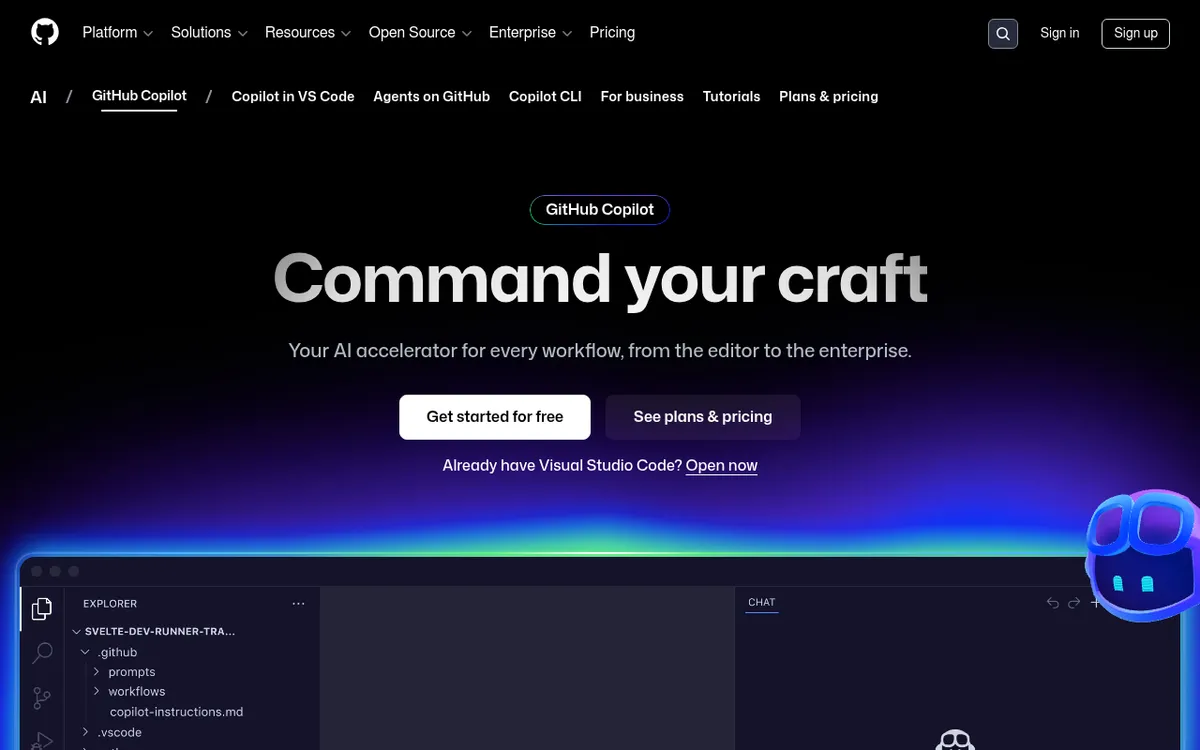
GitHub Copilot Review 2025: The AI Coding Assistant That's Revolutionizing Software Development
The era of manual coding is rapidly evolving. As developers face increasing pressure to deliver high-quality code faster than ever, artificial intelligence has emerged as the game-changing solution. Leading this transformation is GitHub Copilot, an AI-powered coding assistant that has fundamentally changed how millions of developers write code.
Since its launch, GitHub Copilot has grown from a simple autocomplete tool into a sophisticated, multi-modal AI assistant that understands context, generates entire functions, and integrates seamlessly into popular development environments. Built on advanced language models and trained on billions of lines of code, it promises to boost productivity while reducing the cognitive load of repetitive coding tasks.
In 2025, as AI continues to reshape the software development landscape, GitHub Copilot stands as the industry standard for AI-assisted programming. But is it worth the investment? This comprehensive review explores everything you need to know about GitHub Copilot, from its core features and pricing to real-world performance and alternatives.
What is GitHub Copilot?
GitHub Copilot is an artificial intelligence coding assistant developed through a collaboration between GitHub and Microsoft, leveraging OpenAI's advanced language models. Launched as the world's first at-scale AI pair programmer, Copilot acts as an intelligent coding companion that provides real-time code suggestions, completions, and explanations directly within your integrated development environment (IDE).
Unlike traditional code completion tools that simply suggest variable names or basic syntax, GitHub Copilot understands context, intent, and coding patterns. It can generate entire functions from natural language comments, suggest complex algorithms, write unit tests, and even help debug existing code. The AI assistant has been trained on billions of lines of public code from GitHub repositories, giving it an unprecedented understanding of programming languages, frameworks, and best practices.
What sets GitHub Copilot apart is its deep integration with popular development tools. Whether you're using Visual Studio Code, JetBrains IDEs, or other supported editors, Copilot works seamlessly in your existing workflow. It supports virtually every programming language, from Python and JavaScript to Rust and Go, making it a versatile tool for developers across different technology stacks.
The tool has evolved significantly since its initial release, transforming from a simple suggestion engine into a comprehensive AI development platform. Today's GitHub Copilot includes features like chat-based interactions, code explanation capabilities, and multi-model support, positioning it as an essential tool for modern software development teams.
Key Features
GitHub Copilot offers a comprehensive suite of AI-powered features designed to enhance every aspect of the coding experience. Here's a breakdown of its most important capabilities:
| Feature | Description | Benefit |
|---|
| Real-time Code Suggestions | Provides context-aware code completions as you type | Reduces typing time and helps discover new coding patterns |
| Function Generation | Creates entire functions from natural language comments | Accelerates development of complex logic and algorithms |
| Multi-Language Support | Supports virtually all programming languages and frameworks | Works across diverse technology stacks and projects |
| IDE Integration | Native integration with VS Code, JetBrains, and other popular IDEs | Seamless workflow without switching tools |
| Copilot Chat | Interactive chat interface for coding questions and explanations | Provides instant help and learning opportunities |
| Code Explanation | Explains existing code in plain English | Helps understand complex codebases and improves learning |
| Unit Test Generation | Automatically generates test cases for functions and methods | Improves code quality and testing coverage |
| Multi-Model Support | Access to multiple AI models from different providers | Enhanced accuracy and specialized capabilities |
These features work together to create a comprehensive AI coding ecosystem that adapts to your specific needs and coding style.
How GitHub Copilot Works
Understanding how GitHub Copilot functions can help you maximize its potential. Here's a step-by-step breakdown of the process:
- Installation and Setup: Install the GitHub Copilot extension in your preferred IDE and authenticate with your GitHub account.
- Context Analysis: As you write code, Copilot continuously analyzes your current file, open tabs, and project structure to understand the context.
- AI Processing: The tool sends anonymized code context to GitHub's AI models, which process the information using advanced machine learning algorithms.
- Suggestion Generation: Based on the context and patterns learned from billions of code examples, Copilot generates relevant code suggestions.
- Real-time Display: Suggestions appear as ghost text in your editor, allowing you to preview the proposed code without interrupting your workflow.
- Selection and Integration: You can accept suggestions with Tab, reject them with Esc, or use keyboard shortcuts to cycle through multiple options.
- Continuous Learning: The system adapts to your coding style and preferences, improving suggestions over time based on your acceptance patterns.
The entire process happens in milliseconds, creating a smooth and responsive coding experience that feels natural and intuitive.
Pricing & Plans
GitHub Copilot offers multiple pricing tiers to accommodate different user needs, from individual developers to large enterprises. Here's the current pricing structure:
| Plan | Price | Target Users | Key Features |
|---|
| Copilot Free | $0/month | Individual developers | 2,000 suggestions/month, 50 premium requests |
| Copilot Pro | $10/month or $100/year | Individual developers | Unlimited suggestions, 300 premium requests |
| Copilot Pro+ | $39/month or $390/year | Power users | Unlimited suggestions, 1,500 premium requests |
| Copilot Business | $19/user/month | Small to medium teams | Team management, 300 requests per user |
| Copilot Enterprise | $39/user/month | Large organizations | Advanced security, 1,000 requests per user |
Value for Money Analysis
The Copilot Pro plan at $10/month offers excellent value for most individual developers. Considering that it can save several hours per week on routine coding tasks, the return on investment is substantial. The free tier provides a good trial experience but may be limiting for heavy users.
For teams, Copilot Business at $19/user/month becomes cost-effective when considering the productivity gains across multiple developers. The enterprise plan includes additional security and compliance features essential for large organizations.
Pros and Cons
✅ Pros
- Exceptional IDE Integration: Seamless experience across popular development environments
- Comprehensive Language Support: Works with virtually all programming languages and frameworks
- Context-Aware Suggestions: Understands project structure and provides relevant recommendations
- Time-Saving: Significantly reduces time spent on routine coding tasks
- Learning Aid: Helps developers discover new patterns and best practices
- Active Development: Regular updates and feature improvements from Microsoft/GitHub
- Large Community: Widely adopted with extensive documentation and community support
- Multi-Model Access: Supports different AI models for specialized tasks
❌ Cons
- Subscription Dependency: Requires ongoing payment for full functionality
- Accuracy Concerns: Can generate incorrect or suboptimal code that requires review
- Privacy Considerations: Code context is processed by external servers
- Over-reliance Risk: May reduce developers' problem-solving skills over time
- Limited Offline Functionality: Requires internet connection for most features
- GitHub Ecosystem Lock-in: Tight integration with Microsoft/GitHub services
- Variable Quality: Suggestions quality varies significantly across different languages and use cases
Who Should Use GitHub Copilot?
GitHub Copilot serves different developer segments effectively:
Professional Developers
Ideal for experienced programmers working on commercial projects who need to maximize productivity and code quality. The tool excels at handling routine tasks while allowing developers to focus on architecture and complex problem-solving.
Development Teams
Perfect for teams looking to standardize coding practices and accelerate project delivery. The collaboration features and shared learning capabilities make it valuable for team environments.
Full-Stack Developers
Excellent for developers working across multiple languages and frameworks. Copilot's broad language support eliminates the need to context-switch between different assistance tools.
Students and Learning Developers
Valuable for educational purposes, helping learners understand coding patterns and best practices. However, it should be used as a learning aid rather than a replacement for fundamental understanding.
Enterprise Development Teams
Large organizations benefit from the security features, compliance tools, and administrative controls available in enterprise plans.
Less Suitable For:
- Developers working on highly specialized or proprietary systems
- Those concerned about code privacy and intellectual property
- Beginners who need to develop fundamental programming skills independently
GitHub Copilot vs Alternatives
Here's how GitHub Copilot compares to its main competitors:
| Feature | GitHub Copilot | Amazon CodeWhisperer | Tabnine | Codeium |
|---|
| Pricing | $10/month (Pro) | $19/month | $12/month | Free/Paid tiers |
| IDE Support | Excellent | Good | Excellent | Good |
| Language Coverage | Comprehensive | AWS-focused | Good | Moderate |
| Context Awareness | Superior | Good | Good | Basic |
| Enterprise Features | Advanced | Strong | Limited | Basic |
| Community | Largest | Growing | Established | Emerging |
leads in overall functionality and IDE integration, making it the most complete solution for most developers.
Amazon CodeWhisperer excels for AWS-centric development but lacks the breadth of Copilot.
Tabnine offers good privacy controls and local processing options, appealing to security-conscious teams.
Codeium provides a cost-effective alternative with decent functionality for budget-conscious users.
Tips for Getting Started
1. Start with Familiar Languages
Begin using Copilot with programming languages you know well. This helps you better evaluate the quality of suggestions and build confidence in the tool.
Use clear, detailed comments to guide Copilot's suggestions. The more context you provide, the better the generated code will be.
3. Review All Suggestions Carefully
Never accept suggestions blindly. Always review generated code for correctness, security issues, and alignment with your project's requirements.
4. Use Copilot Chat for Complex Problems
Leverage the chat feature for explanations, debugging help, and architectural guidance rather than just code completion.
5. Customize Your Settings
Adjust suggestion frequency and behavior through IDE settings to match your coding style and preferences.
6. Practice with Different Scenarios
Experiment with various coding tasks like API integrations, data processing, and UI components to understand Copilot's strengths and limitations.
Use Copilot alongside other development tools like linters, formatters, and testing frameworks for a complete development experience.
Final Verdict
Rating: 4.2/5 Stars
GitHub Copilot has established itself as the leading AI coding assistant, and for good reason. Its exceptional IDE integration, comprehensive language support, and context-aware suggestions make it an invaluable tool for most developers. While it's not perfect—requiring careful review of suggestions and raising some privacy considerations—the productivity benefits significantly outweigh the drawbacks for most use cases.
The tool excels particularly for professional developers and teams working on diverse projects. The recent addition of multi-model support and enhanced chat capabilities positions it well for the evolving AI landscape of 2025.
Recommendation: GitHub Copilot is highly recommended for professional developers, development teams, and anyone looking to enhance their coding productivity. Start with the free tier to evaluate its fit for your workflow, then upgrade to Pro if the tool proves valuable.
The investment in GitHub Copilot pays dividends in saved development time, improved code quality, and enhanced learning opportunities. As AI continues to reshape software development, adopting tools like GitHub Copilot isn't just beneficial—it's becoming essential for staying competitive in the field.
Ready to supercharge your coding workflow? Try GitHub Copilot free and experience the future of AI-assisted programming today.