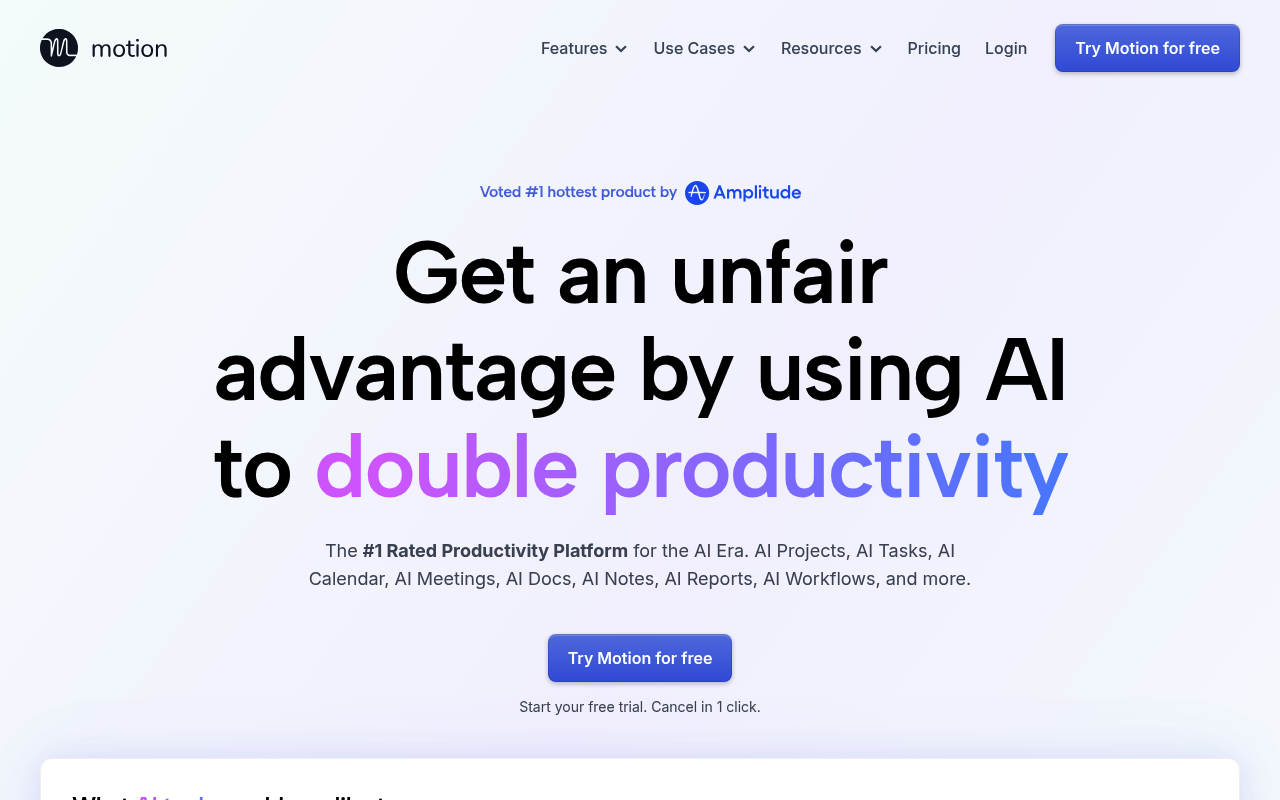
Motion Review 2025: The Complete Guide to AI-Powered Schedule Optimization
Drowning in endless to-do lists and struggling to find time for what actually matters? You're not alone. The average professional spends 21% of their day on emails and administrative tasks, leaving precious little time for meaningful work. That's where Motion steps in, promising to revolutionize how we manage time and tasks through artificial intelligence.
Motion has positioned itself as the antidote to productivity chaos, using AI to automatically schedule your tasks, optimize your calendar, and eliminate the daily struggle of manual planning. But with a premium price point and bold claims about boosting productivity by 137%, does Motion actually deliver on its promises in 2025?
After extensively testing Motion's latest features, analyzing user feedback, and comparing it against competitors, here's everything you need to know about this AI-powered productivity platform.
What is Motion? (The Complete Guide for 2025)
Motion is an AI-driven productivity platform developed by UseMotion that combines intelligent task management, automated scheduling, and calendar optimization into a single comprehensive solution. Unlike traditional task managers that simply store your to-dos, Motion's AI actively plans when you'll complete each task, automatically adjusting your schedule as priorities shift and new deadlines emerge.
The platform's core philosophy centers on eliminating manual scheduling entirely. Rather than spending 20-60 minutes each day deciding what to work on next, Motion's algorithms analyze your tasks, deadlines, preferences, and calendar constraints to create an optimized daily schedule that adapts in real-time.
What makes Motion particularly relevant in 2025 is its advanced AI workflows and predictive scheduling capabilities. The platform learns from your work patterns, understands how long different types of tasks typically take you, and can even reschedule your entire day automatically when urgent priorities arise.
Motion serves as both a personal productivity assistant and a team collaboration platform, making it suitable for individual professionals and businesses looking to streamline their operations without the complexity of multiple disconnected tools.
Key Features of Motion
| Feature | Description | Why It Matters |
|---|
| AI-Powered Scheduling | Automatically plans when to work on each task based on deadlines, priorities, and available time | Eliminates decision fatigue and ensures important work gets done on schedule |
| Dynamic Time Blocking | Creates optimized time blocks for focused work, automatically adjusting as priorities change | Maximizes deep work periods and minimizes context switching |
| Smart Task Prioritization | AI analyzes deadlines, dependencies, and importance to prioritize tasks intelligently | Prevents important tasks from falling through the cracks |
| Predictive Rescheduling | Automatically reschedules tasks when meetings run long or urgent items arise | Keeps your schedule realistic and achievable without manual intervention |
| Focus Mode | Blocks distractions during scheduled work sessions | Enhances concentration and productivity during deep work periods |
| Calendar Integration | Seamlessly syncs with existing calendars (Google, Outlook, etc.) | Works with your current workflow without requiring a complete system overhaul |
| Team Collaboration | Shared projects, task dependencies, and team scheduling coordination | Enables automated coordination across remote teams |
| Advanced AI Workflows | Process automation for recurring tasks and complex project management | Scales productivity improvements across entire business operations |
How Motion Works
Motion operates through a sophisticated yet user-friendly workflow that transforms chaotic task lists into structured, actionable schedules:
- Input Your Tasks and Projects: Add tasks with deadlines, estimated durations, and priority levels. Motion accepts everything from quick 15-minute items to multi-day projects with complex dependencies.
- AI Analysis and Planning: Motion's algorithms analyze your task list, calendar availability, work patterns, and preferences to create an optimal daily schedule. The AI considers factors like your energy levels at different times and task complexity.
- Automated Schedule Creation: Based on its analysis, Motion automatically time-blocks your tasks into available calendar slots, ensuring deadlines are met while maintaining realistic workloads throughout the day.
- Real-Time Adaptation: As your day unfolds, Motion continuously monitors progress and adjusts your schedule accordingly. If a meeting runs long or an urgent task appears, the AI reschedules everything downstream automatically.
- Learning and Optimization: Motion tracks how long tasks actually take versus estimates, learns your productivity patterns, and becomes increasingly accurate at scheduling over time, creating a personalized productivity system tailored to your specific work style.
Motion Pricing in 2025
Based on the latest pricing information, Motion has positioned itself as a premium productivity solution:
| Plan | Price | Key Features |
|---|
| Individual | $19/month (billed annually) | AI scheduling, calendar integration, task management, focus mode |
| Team | $12/user/month (billed annually) | Everything in Individual plus team collaboration, shared projects, advanced workflows |
| Enterprise | Custom Pricing | Advanced security, SSO, dedicated support, custom integrations |
- Motion does not offer a free plan, only a 7-day free trial
- Monthly billing is available at a higher rate
- All plans include unlimited tasks and projects
- Team plan requires a minimum of 3 users
The pricing represents a significant investment compared to basic task managers, but Motion justifies this through its advanced AI capabilities and the promise of substantial time savings. The company claims users save 20-60 minutes daily on planning alone, which could justify the cost for high-value professionals.
Pros and Cons
Pros:
- ✅ Powerful AI Automation: Genuinely eliminates manual scheduling and planning overhead
- ✅ Intelligent Adaptability: Automatically reschedules when priorities change or meetings overrun
- ✅ Time-Saving Focus: Users report significant reductions in decision fatigue and planning time
- ✅ Calendar Integration: Works seamlessly with existing Google Calendar and Outlook setups
- ✅ Learning Capability: AI becomes more accurate over time as it learns your patterns
- ✅ Team Coordination: Excellent for remote teams needing automated scheduling coordination
Cons:
- ❌ No Free Plan: Unlike competitors, Motion offers no permanently free option
- ❌ Premium Pricing: Significantly more expensive than basic task managers like Todoist or Any.do
- ❌ Learning Curve: AI workflow setup can be complex for users new to advanced automation
- ❌ Limited Integrations: Fewer native app connections compared to established project management platforms
- ❌ Over-Engineering Risk: May be unnecessarily complex for users with simple scheduling needs
Who Should Use Motion?
👨💼 Busy Executives and Entrepreneurs: If you're juggling multiple projects, frequent meetings, and shifting priorities, Motion's AI scheduling can be a game-changer. The platform excels at managing complex schedules where manual planning becomes overwhelming.
🏢 Remote Teams and Project Managers: Motion shines in distributed team environments where coordinating schedules and managing dependencies across time zones is challenging. The automated rescheduling helps teams stay synchronized without constant manual coordination.
💼 High-Value Professionals: Consultants, lawyers, designers, and other professionals whose time is highly billable will find Motion's time-saving automation easily pays for itself. If your hourly rate is $100+, saving 30 minutes daily justifies the monthly cost.
🎯 Productivity Optimizers: Individuals who have already mastered basic productivity principles but want to take efficiency to the next level will appreciate Motion's advanced AI capabilities and workflow automation.
🚀 Growing Businesses: Companies transitioning from startup chaos to structured operations can use Motion to implement professional scheduling practices without hiring dedicated project managers.
Motion vs Competitors
| Feature | Motion | Asana | Todoist |
|---|
| AI Scheduling | ✅ Advanced | ❌ None | ⚠️ Basic |
| Free Plan | ❌ No | ✅ Yes | ✅ Yes |
| Starting Price | $19/month | $0 (Free) | $0 (Free) |
| Calendar Integration | ✅ Seamless | ⚠️ Limited | ⚠️ Basic |
| Team Collaboration | ✅ Good | ✅ Excellent | ⚠️ Limited |
| Learning Curve | ⚠️ Moderate | ⚠️ Moderate | ✅ Easy |
: While tools like Asana and Monday.com excel at project collaboration and workflow management, Motion focuses specifically on time optimization and intelligent scheduling. Choose Motion if scheduling automation is your priority; choose traditional PM tools for complex project collaboration.
Motion vs Simple Task Managers: Compared to Todoist, Any.do, or Apple Reminders, Motion offers significantly more sophisticated scheduling but at a much higher price point. Simple task managers work well for basic organization; Motion excels when you need AI to optimize your time.
Getting Started with Motion
- Start with a Task Audit: Before diving into Motion, spend a day tracking what tasks you actually do and how long they take. This baseline helps Motion's AI learn your patterns more quickly.
- Set Realistic Task Durations: Motion's scheduling accuracy depends on honest time estimates. Initially overestimate task durations until the AI learns your actual completion times.
- Configure Your Work Preferences: Tell Motion when you prefer to do different types of work (creative tasks in the morning, administrative work in the afternoon) to get better scheduling recommendations.
- Integrate Your Calendar First: Connect your existing calendar before adding tasks to ensure Motion has complete visibility into your availability and can schedule around existing commitments.
- Start Small and Scale Up: Begin with your most important daily tasks rather than importing your entire project backlog. Let Motion prove its value on core work before expanding to comprehensive project management.
Final Verdict: Is Motion Worth It in 2025?
Overall Rating: ⭐ 4.2/5
Motion delivers on its core promise of eliminating manual scheduling through genuinely intelligent AI automation. For the right users, it represents a significant productivity breakthrough that justifies its premium pricing. The platform's ability to learn, adapt, and optimize schedules in real-time sets it apart from traditional task management solutions.
Motion is BEST for:
- Busy professionals whose time is highly valuable
- Teams struggling with coordination and scheduling conflicts
- Individuals who have mastered basic productivity but want AI-powered optimization
- Organizations ready to invest in advanced productivity infrastructure
Consider alternatives if you:
- Need a free solution for basic task management
- Prefer manual control over your schedule
- Work in highly unpredictable environments where AI scheduling might be counterproductive
- Require extensive third-party integrations
In 2025's competitive productivity landscape, Motion stands out as a genuinely innovative solution that uses AI meaningfully rather than as a marketing gimmick. While the price point limits its accessibility, professionals and teams dealing with complex scheduling challenges will find Motion's automated intelligence delivers substantial time savings and reduced stress.
The platform's continued evolution and learning capabilities suggest it will only become more valuable over time. For users ready to embrace AI-powered productivity, Motion represents one of the most sophisticated and effective solutions currently available.