Napkin AI Review 2025: Transform Text Into Stunning Visuals in Minutes
Imagine turning a cluttered brainstorm session into a polished infographic in under 60 seconds. Or transforming your meeting notes into a professional diagram without touching a single design tool. This isn't science fiction—it's exactly what Napkin AI delivers in 2025, and it's revolutionizing how professionals create visual content.
As businesses increasingly rely on visual storytelling to cut through digital noise, traditional design workflows have become a bottleneck. Napkin AI solves this problem by leveraging artificial intelligence to instantly convert plain text into professional-quality visuals, making design accessible to everyone regardless of their creative background.
What is Napkin AI? (The Complete Guide for 2025)
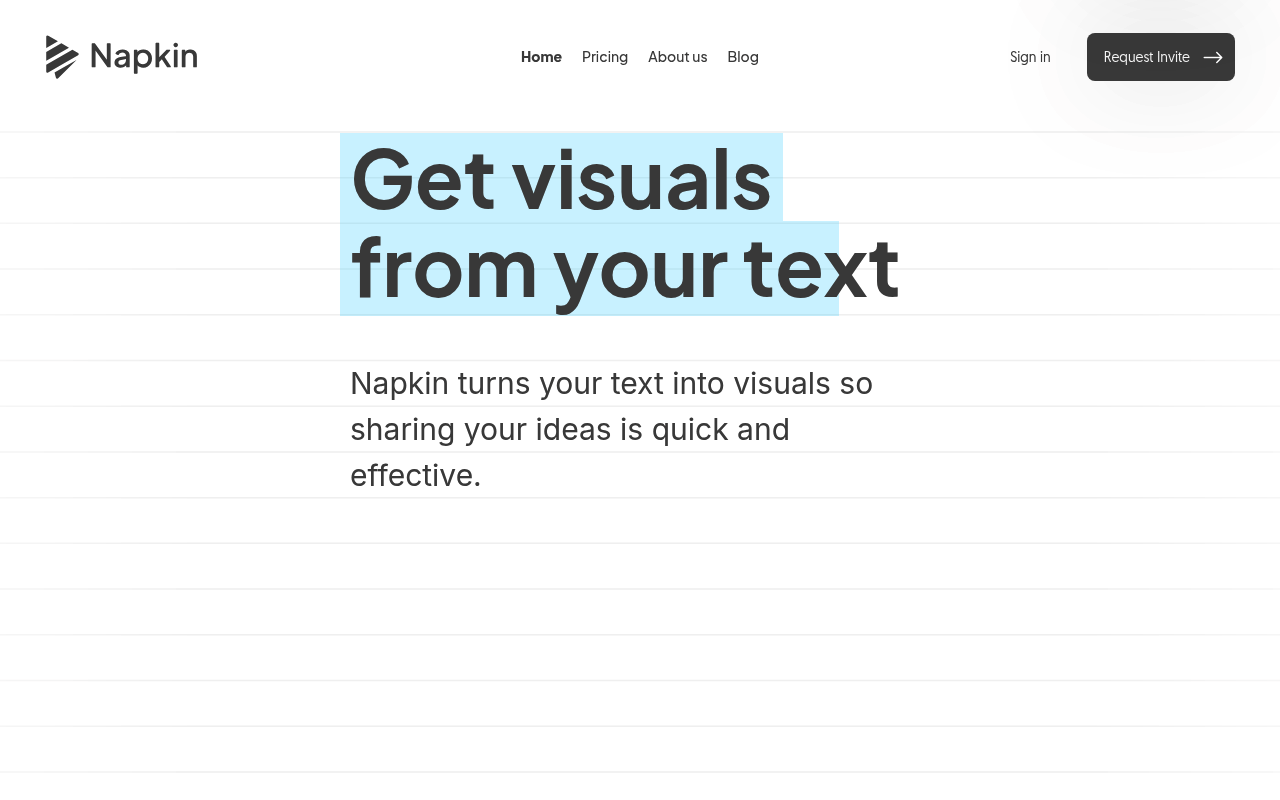
Napkin AI is an AI-powered visual generation platform developed by Second Layer, Inc. that transforms text descriptions into professional graphics, diagrams, charts, and infographics within seconds. Launched as a solution for the growing demand for quick visual content creation, Napkin AI has become particularly valuable for professionals who need compelling visuals but lack design expertise or time.
Unlike traditional design tools that require learning complex interfaces and starting from scratch, Napkin AI uses natural language processing to understand your text content and automatically generates appropriate visual representations. Whether you're describing a business process, explaining data relationships, or outlining a concept, the platform interprets your words and creates corresponding visuals.
In 2025, Napkin AI has positioned itself as the "visual AI for business storytelling," serving over thousands of users who generate millions of visuals monthly. The platform has evolved from a simple text-to-visual converter into a comprehensive visual creation ecosystem with collaboration features, brand customization, and multi-language support spanning 60+ languages.
What makes Napkin AI particularly relevant in 2025 is its timing. As remote work continues to dominate and visual communication becomes essential for digital collaboration, the platform addresses the critical gap between having ideas and being able to visualize them effectively. It's designed for the modern professional who needs to create, iterate, and share visuals at the speed of thought.
Key Features of Napkin AI
| Feature | Description | Why It Matters |
|---|
| AI Text-to-Visual Generation | Converts plain text into diagrams, charts, flowcharts, and infographics using AI | Eliminates design barriers and reduces creation time from hours to seconds |
| Multiple Visual Styles | Offers 50+ design templates and styles across different visual formats | Ensures visuals match your brand and presentation needs |
| Real-time Collaboration | Multiple team members can edit simultaneously with instant sync and commenting | Essential for distributed teams and iterative design processes |
| Custom Brand Styles | Upload brand colors, fonts, and style preferences for consistent visuals | Maintains brand identity across all generated content |
| Mindmap Generation | Creates multiple mindmap designs with various orientations and styles | Perfect for brainstorming sessions and concept visualization |
| Multi-language Support | Generates visuals in 60+ languages matching your input text | Enables global teams to create localized visual content |
| Export Options | PPT and SVG export capabilities for seamless integration | Works with existing workflows and presentation tools |
| Sketch-to-Visual Refinement | Beta feature that converts rough sketches into polished visuals | Bridges the gap between initial concepts and final designs |
How Napkin AI Works
Getting started with Napkin AI is refreshingly straightforward, designed around a five-step workflow that mirrors natural creative thinking:
- Input Your Text: Simply paste or type your content into Napkin AI's interface. This could be meeting notes, bullet points, process descriptions, or any text-based information you want to visualize.
- AI Analysis and Interpretation: Napkin's AI engine analyzes your text to understand context, relationships, and key concepts. It identifies the most appropriate visual format—whether that's a flowchart, diagram, infographic, or chart.
- Visual Generation: Within seconds, the platform generates multiple visual options based on your text. You'll see different styles and layouts to choose from, each professionally designed and ready to use.
- Customization and Refinement: Select your preferred visual and make adjustments using Napkin's editing tools. You can modify colors, adjust layouts, add or remove elements, and apply your brand styling.
- Export and Share: Once satisfied, export your visual in various formats (PPT, SVG) or share directly from the platform. The collaborative features allow team members to provide feedback and make additional edits in real-time.
The entire process typically takes under two minutes for simple visuals, with more complex diagrams requiring just slightly more time for refinement. What traditionally required design software expertise and hours of work now happens almost instantaneously.
Napkin AI Pricing in 2025
Napkin AI offers a transparent, three-tier pricing structure designed to accommodate different user needs and usage volumes:
| Plan | Price | Key Features | Best For |
|---|
| Free | $0 | 500 AI credits per week, Basic visual styles, PNG export | Individual users, Testing the platform |
| Plus | $9/month | 10,000 AI credits per month, Unlimited PPT & SVG export, 3 Brand Styles, Remove branding, Team management | Small teams, Regular users |
| Pro | $22/month | Everything in Plus + Advanced features, Priority support, Enhanced collaboration tools | Professional teams, Heavy usage |
: Napkin AI uses a credit-based system where approximately 1 credit is charged per word selected for generation. This means a 50-word description would consume about 50 credits. The company notes this may change for more complex outputs or advanced features in the future.
Refund Policy: Napkin AI offers a customer-friendly refund policy with 24-hour eligibility for monthly subscriptions and 72-hour eligibility for annual subscriptions, effective as of August 2025.
The pricing represents excellent value when compared to hiring designers or purchasing multiple design software licenses. For teams creating regular visual content, the Plus plan typically pays for itself with just a few hours of saved design time per month.
Pros and Cons
Pros:
- ✅ Lightning-fast visual generation: Creates professional visuals in under 60 seconds from plain text
- ✅ No design skills required: Intuitive interface that anyone can use effectively
- ✅ Excellent value proposition: Free tier available with affordable paid plans starting at $9/month
- ✅ Real-time collaboration: Teams can work together seamlessly with instant synchronization
- ✅ Multiple export formats: PPT and SVG support ensures compatibility with existing workflows
- ✅ Brand customization: Ability to maintain consistent brand identity across all visuals
- ✅ Continuous improvement: Regular updates with new features like enhanced mindmaps and custom generation
Cons:
- ❌ Limited advanced design control: Not suitable for complex, highly customized design projects
- ❌ Credit-based limitations: Heavy users may find credit limits restrictive on lower tiers
- ❌ Mobile limitations: Best functionality requires desktop usage for full editing capabilities
- ❌ No API access: Enterprise users cannot integrate Napkin AI into automated workflows
- ❌ Brand refinement needed: Generated visuals may require manual adjustment for specific brand requirements
Who Should Use Napkin AI?
👨💼 Business Professionals: Marketing managers, consultants, and executives who need to create presentations, reports, and proposals quickly. Napkin AI eliminates the bottleneck of waiting for design resources or struggling with complex design tools.
🎓 Educators and Trainers: Teachers, corporate trainers, and educational content creators who regularly need to transform lesson plans, concepts, and curriculum into engaging visual formats. The platform's ability to create instructional diagrams makes complex topics more accessible.
📊 Content Creators and Marketers: Bloggers, social media managers, and content marketers who need consistent visual assets for campaigns, blog posts, and social content. The brand customization features ensure visual consistency across all content.
🚀 Startups and Small Teams: Resource-constrained organizations that need professional-quality visuals without the budget for full-time designers or expensive design software. Napkin AI democratizes access to professional visual creation.
💼 Freelancers and Consultants: Independent professionals who need to create compelling proposals, reports, and presentations for clients. The platform helps maintain a professional image without significant design investment.
🌐 Non-English Speaking Teams: With support for 60+ languages, international teams can create localized visual content without language barriers, making it invaluable for global organizations.
Napkin AI vs Competitors
| Feature | Napkin AI | Canva | Adobe Express |
|---|
| AI Text-to-Visual | ✅ Core feature | ❌ Limited AI | ❌ Limited AI |
| Learning Curve | Minimal | Moderate | Steep |
| Collaboration | Real-time | Basic | Advanced |
| Free Tier | 500 credits/week | Limited templates | Limited features |
| Pricing (Pro) | $9-22/month | $15/month | $10/month |
| Template Library | AI-generated | 250,000+ | Thousands |
| Brand Customization | ✅ Available | ✅ Advanced | ✅ Advanced |
: While Canva and Adobe Express excel at template-based design with extensive customization options, Napkin AI's strength lies in its AI-first approach that prioritizes speed and intelligence over manual design control. It's the clear winner for users who need to transform ideas into visuals quickly rather than create highly polished, pixel-perfect designs.
Getting Started with Napkin AI
- Start with Clear, Structured Text: The quality of your output directly correlates with the clarity of your input. Use bullet points, clear headings, and logical flow in your text for best results.
- Experiment with Different Visual Types: Don't settle for the first generated visual. Try rephrasing your text or explicitly requesting different formats (e.g., "create a flowchart showing..." or "make an infographic about...").
- Leverage the Free Tier Strategically: Use your 500 weekly credits to test different approaches and understand which text structures work best for your needs before upgrading.
- Set Up Brand Styles Early: If you're on a paid plan, invest time in configuring your brand colors and styles upfront. This ensures consistency across all future visuals without manual adjustment.
- Utilize Collaboration Features: Even if you're working solo, use the commenting and sharing features to get feedback from colleagues or clients before finalizing visuals.
Final Verdict: Is Napkin AI Worth It in 2025?
⭐ Rating: 4.5/5
Napkin AI represents a significant leap forward in democratizing visual content creation. It successfully bridges the gap between having ideas and being able to visualize them professionally, making it an invaluable tool for the modern digital workplace.
Best For: Business professionals, educators, content creators, and small teams who need to create visual content regularly but lack design expertise or time. It's particularly powerful for those working in fast-paced environments where speed and efficiency matter more than pixel-perfect customization.
Consider Alternatives If: You need highly detailed, custom design work, require extensive template libraries, or work primarily on complex branding projects that demand precise design control. Traditional design tools like Canva or Adobe Creative Suite might better serve these needs.
Bottom Line: At $9/month for the Plus plan, Napkin AI delivers exceptional value for teams that regularly create presentations, reports, or marketing materials. The time savings alone typically justify the cost within the first month of use. The free tier provides an excellent opportunity to test the platform risk-free.
For 2025, Napkin AI stands out as a must-have tool for anyone looking to enhance their visual communication capabilities without the traditional barriers of design complexity or cost. Its continued innovation, with features like enhanced mindmaps and custom generation, suggests the platform will only become more valuable as it evolves.
Whether you're a startup founder preparing investor presentations, an educator creating course materials, or a marketing professional developing campaign assets, Napkin AI can transform your workflow and help you communicate ideas more effectively than ever before.