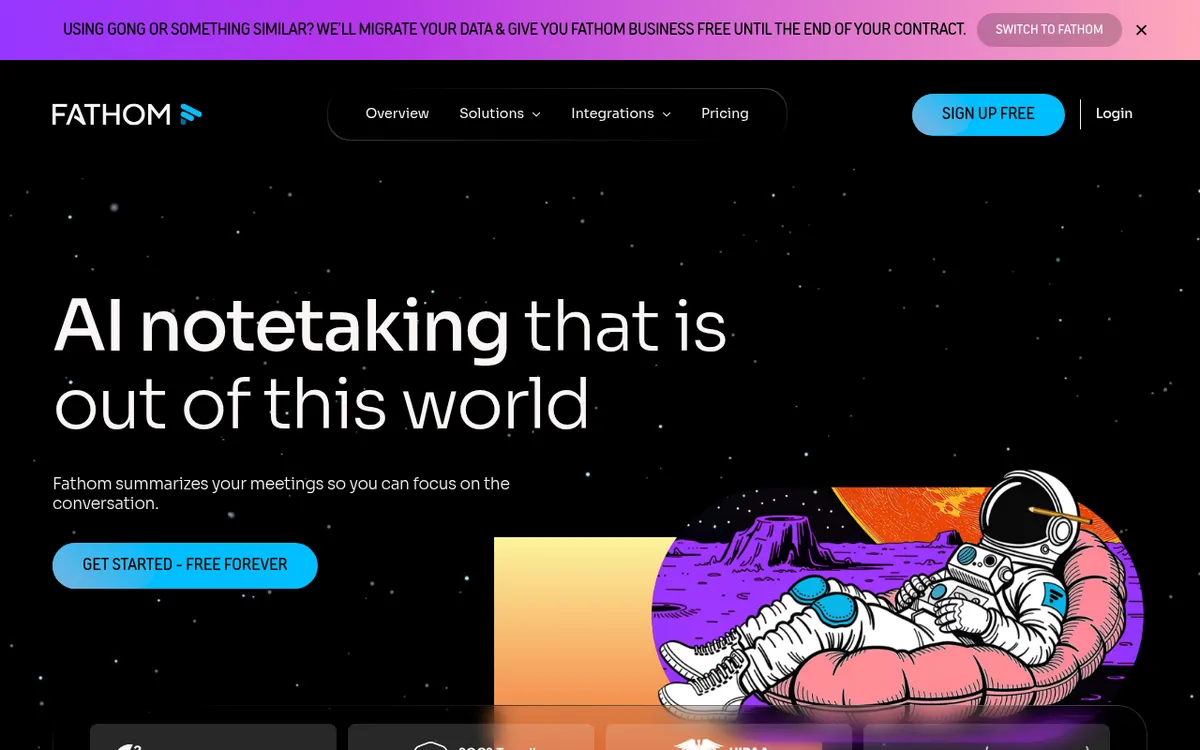
Fathom AI Review 2025: The Meeting Assistant That's Actually Worth Using
In the age of back-to-back video calls and endless virtual meetings, keeping track of what was discussed, who said what, and what needs to happen next has become a productivity nightmare. Enter Fathom AI – an AI-powered meeting assistant that promises to transform your video calls from information black holes into actionable, searchable records. But does it live up to the hype?
After extensive testing and research, I can confidently say that Fathom stands out in the crowded meeting intelligence space. Unlike many competitors that overpromise and underdeliver, Fathom focuses on doing the essentials exceptionally well: recording, transcribing, and summarizing meetings with impressive accuracy. What's particularly compelling in 2025 is how the platform has evolved beyond basic transcription to offer sophisticated AI summaries, sentiment analysis, and seamless integrations with popular productivity tools.
The timing couldn't be better. With remote and hybrid work now permanent fixtures in the business landscape, the need for reliable meeting intelligence has never been greater. Fathom addresses this need while maintaining user privacy and offering a genuinely useful free tier – a rarity in today's SaaS landscape.
What is Fathom?
Fathom is an AI-powered meeting assistant developed by Fathom Video that automatically joins your video calls to record, transcribe, and generate intelligent summaries. The platform works seamlessly with Zoom, Google Meet, and Microsoft Teams, though it performs best with Zoom due to its native integration.
The core value proposition is elegantly simple: Fathom eliminates the need for manual note-taking during meetings while ensuring nothing important falls through the cracks. The AI doesn't just create word-for-word transcripts – it identifies key moments, extracts action items, and generates summaries that capture the essence of conversations in digestible formats.
Key Capabilities:
- Real-time transcription with up to 98% accuracy across multiple languages
- AI-powered summaries using advanced natural language processing
- Sentiment analysis to gauge meeting tone and participant engagement
- Action item extraction with automatic assignment capabilities
- Searchable meeting library with powerful filtering options
- Calendar integration for automatic meeting joining
- Team collaboration features for sharing insights across organizations
Founded with the mission to make meetings more productive and actionable, Fathom has quickly gained traction among sales teams, remote workers, and organizations looking to maximize their meeting ROI. The platform earned recognition as G2's #1 Highest Satisfaction product of 2024, highlighting its effectiveness in solving real-world meeting challenges.
Key Features
| Feature | Description | Benefit |
|---|
| Auto-Join & Record | Automatically joins scheduled meetings and records them | Never miss important discussions, even when running late |
| Real-Time Transcription | Converts speech to text with 98% accuracy during live calls | Focus on conversation instead of taking notes |
| AI Summaries | Generates intelligent meeting summaries with key points | Quickly review meeting outcomes without watching recordings |
| Action Item Detection | Automatically identifies and extracts action items | Ensure follow-up tasks aren't forgotten |
| Sentiment Analysis | Analyzes tone and emotional context of conversations | Understand meeting dynamics and participant engagement |
| Multi-Platform Support | Works with Zoom, Google Meet, and Microsoft Teams | Use with existing video conferencing tools |
| Searchable Library | All recordings and transcripts are searchable | Quickly find specific discussions or decisions |
| Team Sharing | Share highlights and summaries with team members | Improve collaboration and knowledge sharing |
How Fathom Works
Getting started with Fathom is refreshingly straightforward:
- Sign up and connect your calendar – Link your Google Calendar, Outlook, or other calendar service to enable automatic meeting detection.
- Install the browser extension – Add Fathom's extension to Chrome or your preferred browser for seamless integration.
- Connect video conferencing platforms – Authorize Fathom to access your Zoom, Google Meet, or Teams accounts.
- Configure auto-join settings – Choose which meetings Fathom should automatically join based on criteria like meeting duration or attendee count.
- Join your meeting as usual – Fathom's bot will automatically appear in scheduled meetings and begin recording with participant consent.
- Review AI-generated content – After the meeting ends, access transcripts, summaries, and action items through the Fathom dashboard.
- Share and collaborate – Export summaries, share highlights with team members, or integrate with project management tools.
The entire process happens in the background, requiring minimal user intervention once initial setup is complete.
Pricing & Plans
| Plan | Price | Key Features | Best For |
|---|
| Free | $0/month | Unlimited recording, transcription, basic summaries | Individual users, light meeting schedules |
| Premium | $19/month | Advanced AI summaries, action items, Ask Fathom assistant | Power users, sales professionals |
| Team | $18/month per user (min 2 users) | Team collaboration, admin controls, advanced integrations | Small teams, growing businesses |
Fathom's pricing structure is particularly compelling when compared to competitors. The free tier is genuinely useful – not just a limited trial – offering unlimited recording and transcription. This positions Fathom as accessible to individual users and small businesses who can't justify paying for premium meeting tools.
The Premium plan at $19/month provides excellent value for professionals who live in meetings, especially when compared to alternatives that charge $25-40/month for similar features. The 5-call monthly preview of premium features for free users is a thoughtful touch that lets users experience advanced capabilities before committing.
Pros and Cons
✅ Pros:
- Generous free tier with unlimited recording and transcription
- Exceptional accuracy in transcription (up to 98%)
- User-friendly interface that's intuitive from day one
- Fast processing – summaries available within minutes of meeting end
- Multi-platform support across major video conferencing tools
- Strong privacy controls with data encryption and user consent management
- Excellent customer support with responsive help team
❌ Cons:
- Visible bot presence in meetings can be distracting for some participants
- Limited offline functionality – requires internet connection for all features
- Zoom bias – works best with Zoom, less optimized for Google Meet and Teams
- Premium pricing can be expensive for larger teams
- Integration limitations on free tier restrict workflow automation
- Occasional recording glitches reported by some users
- No mobile app for on-the-go meeting management
Who Should Use Fathom?
Ideal Users:
Sales Teams: Fathom excels at capturing client conversations, tracking deal progression, and ensuring no prospect feedback is lost. The sentiment analysis feature is particularly valuable for understanding client reactions and improving sales approaches.
Remote Workers: Distributed teams benefit from Fathom's ability to create shared meeting records, ensuring all team members stay aligned regardless of time zones or attendance.
Consultants and Agencies: Professional service providers can use Fathom to document client requirements, track project discussions, and maintain detailed records for billing and compliance purposes.
Managers and Executives: Leadership teams can review meeting summaries quickly, track action items across multiple meetings, and ensure strategic initiatives maintain momentum.
Customer Success Teams: Track customer feedback, document support conversations, and identify trends in customer sentiment over time.
Training and HR Professionals: Record training sessions, conduct more effective performance reviews, and maintain documentation for compliance purposes.
Fathom vs Alternatives
| Feature | Fathom | Otter.ai | Grain | Rev |
|---|
| Free Tier | Unlimited recording | 600 minutes/month | Limited features | No free tier |
| Accuracy | Up to 98% | Up to 98% | ~95% | 99%+ |
| AI Summaries | ✅ Advanced | ✅ Basic | ✅ Advanced | ❌ |
| Multi-platform | Zoom, Meet, Teams | All major platforms | Zoom, Meet, Teams | All platforms |
| Starting Price | Free | $10/month | $19/month | $22/month |
| Team Features | ✅ Robust | ✅ Good | ✅ Excellent | ✅ Basic |
- Fathom offers the most generous free tier and best overall value
- Otter.ai provides broader platform support but with usage limitations
- Grain excels in video collaboration but at a higher price point
- Rev offers human-level accuracy but lacks AI-powered insights
Tips for Getting Started
- Start with the free tier to understand Fathom's capabilities before upgrading to paid plans.
- Configure consent settings carefully to ensure compliance with your organization's privacy policies and local regulations.
- Use custom summary templates available in Premium plans to align meeting notes with your specific workflow needs.
- Set up calendar rules to automatically exclude personal or sensitive meetings from recording.
- Leverage the search functionality to build a searchable knowledge base of past decisions and discussions.
- Train your team on how to speak clearly and structure meetings for optimal AI transcription and summarization.
- Integrate with existing tools like Asana, Slack, or CRM systems to streamline your workflow and maximize productivity gains.
Final Verdict
Overall Rating: 4.5/5 ⭐⭐⭐⭐⭐
Fathom represents one of the most practical and well-executed solutions in the meeting intelligence space. While it may not have every bell and whistle offered by competitors, it excels at the core functions that matter most: accurate transcription, intelligent summarization, and seamless workflow integration.
The combination of a genuinely useful free tier, competitive pricing, and robust feature set makes Fathom an excellent choice for individuals and teams looking to maximize their meeting productivity. The platform's focus on user experience and privacy protection demonstrates a maturity often lacking in AI-powered tools.
Recommendation: Fathom is highly recommended for sales teams, remote workers, and meeting-heavy professionals who want to transform their video calls from time sinks into productive, actionable sessions. The free tier makes it risk-free to try, while the paid plans offer compelling value for users ready to leverage advanced AI capabilities.
Ready to revolutionize your meetings? Start with Fathom's free tier today and experience the difference intelligent meeting assistance can make in your daily workflow.